Related News
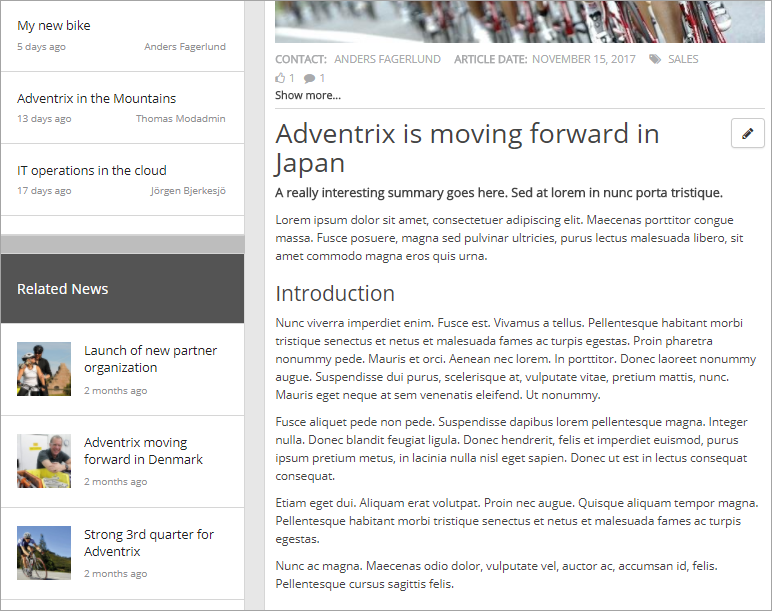
The Related News control display news articles that share any enterprise keyword, or any of the defined properties, with the current news article.
Here’s an example:
The settings
The following settings are available for the control:
The General tab
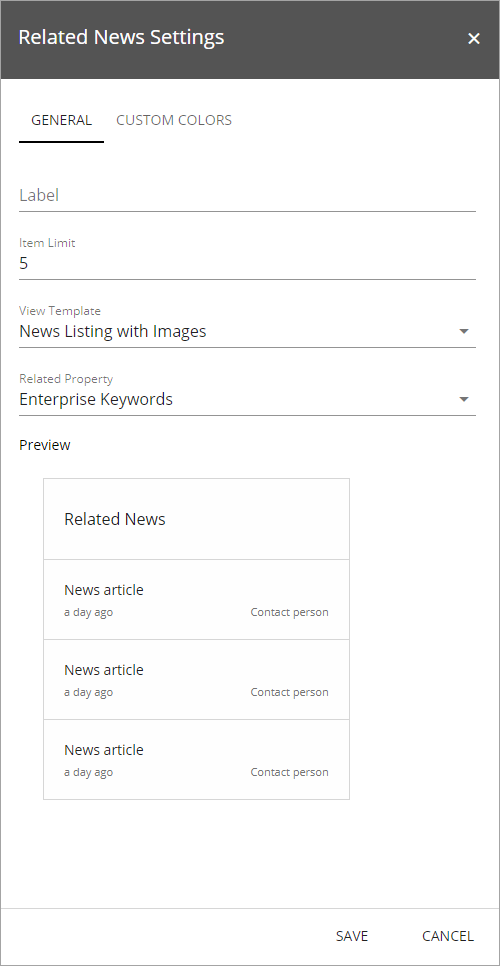
On this tab you can set the following:
- Label: You can edit the heading shown for the list here.
- Item Limit: The maximum numbers of news articles to display in the list.
- View Template: Select to show the list as a news listing with images or as a simple list. See the “Preview” for a rough example.
- Related Property: Select what should be defined as shared: “Enterprise Keywords” or any of the defined properties available in the list.
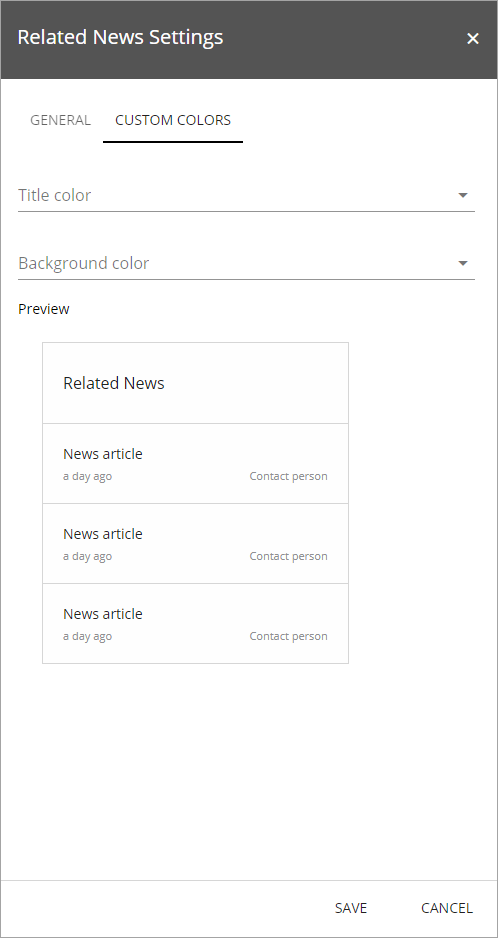
The Custom Colors tab
You should primarily set colors through Theme colors in Omnia Admin (System/Settings/Default colors). If you still would like custom colors for the controls heading, you can set them using this tab.