Omnia
latest
  • Introduction
  • My Workplace
  • Team Collaboration
  • People and Networking
  • Web Content Management
  • Document Management
  • Quality Management
  • Tenant Administration
    • Central Image Locations
    • Color Themes
    • Omnia Features
    • Intranet Core Settings
    • Logo
    • Microsoft 365 Integration
    • Omnia Profiles
    • Targeting Definitions
    • Tutorial Management
  • OmniaX
  • Release Notes
  • Contribute to this Documentation
Omnia
  • Docs »
  • Tenant Administration »
  • Logo
  • Edit on GitHub

LogoΒΆ

The Logo control makes it possible for the end user to go back to the start page of the portal. The logo settings are master page scoped. All sites using this master page will inherit the settings. The logo is shown across all Sharepoint sites in Omnia.
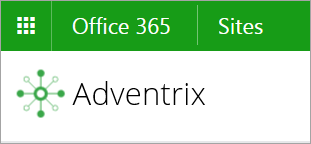
../../_images/logo.png

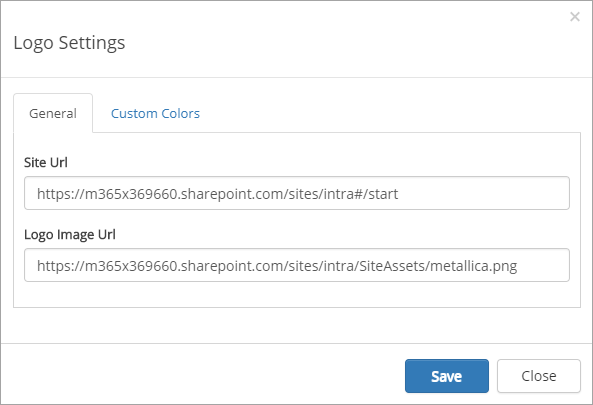
The settings for the control contains the following:
../../_images/logo-settings.png
  • Site Url: Defines where to go when the user clicks on the logo image.
  • Logo Image Url: Url to the logo image. Make sure all users that should be able to access to portal have read access to the image.
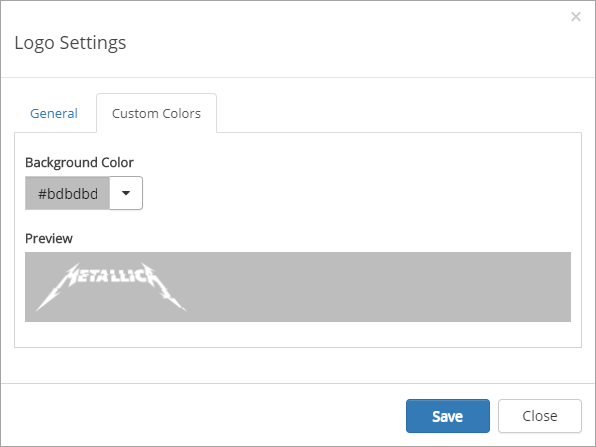
  • Custom colors: You should primarily set colors through Theme colors in Omnia Admin (System/Settings/Default colors). If you still would like custom colors for the control, you can set color of the header area that spans the logo and search box on this tab.
../../_images/logo-custom-colors.png
Next Previous

© Copyright 2023, Precio Fishbone Revision 0fb25388.

Built with Sphinx using a theme provided by Read the Docs.