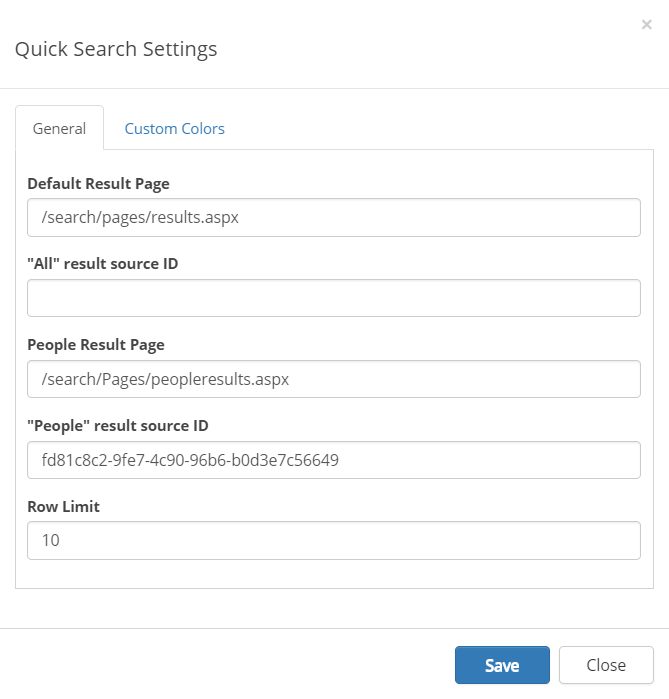
Setup Result Source
A custom result source can be used for the “All” and “People” scopes respectively. Follow these steps to setup a custom result source.
- Go to SharePoint Admin Center > Search > Manage Result Sources.
- Create a new Result Source.
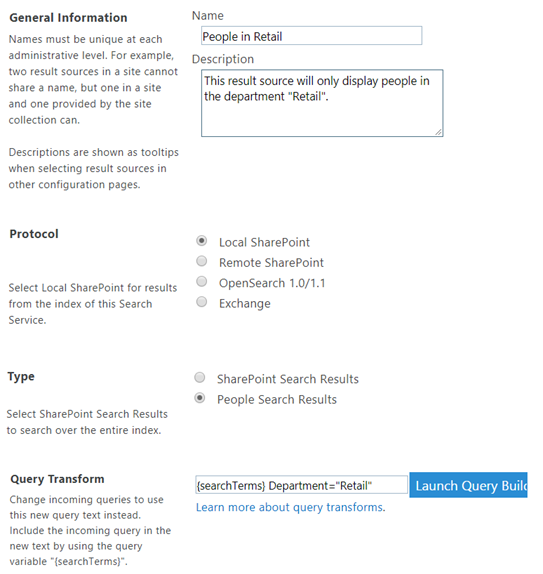
- Edit the newly created result source.
- Copy the unique sourceid from the url to the clipboard.

- Open the Quick Search settings and set the related result source ID.